Category: How To
-
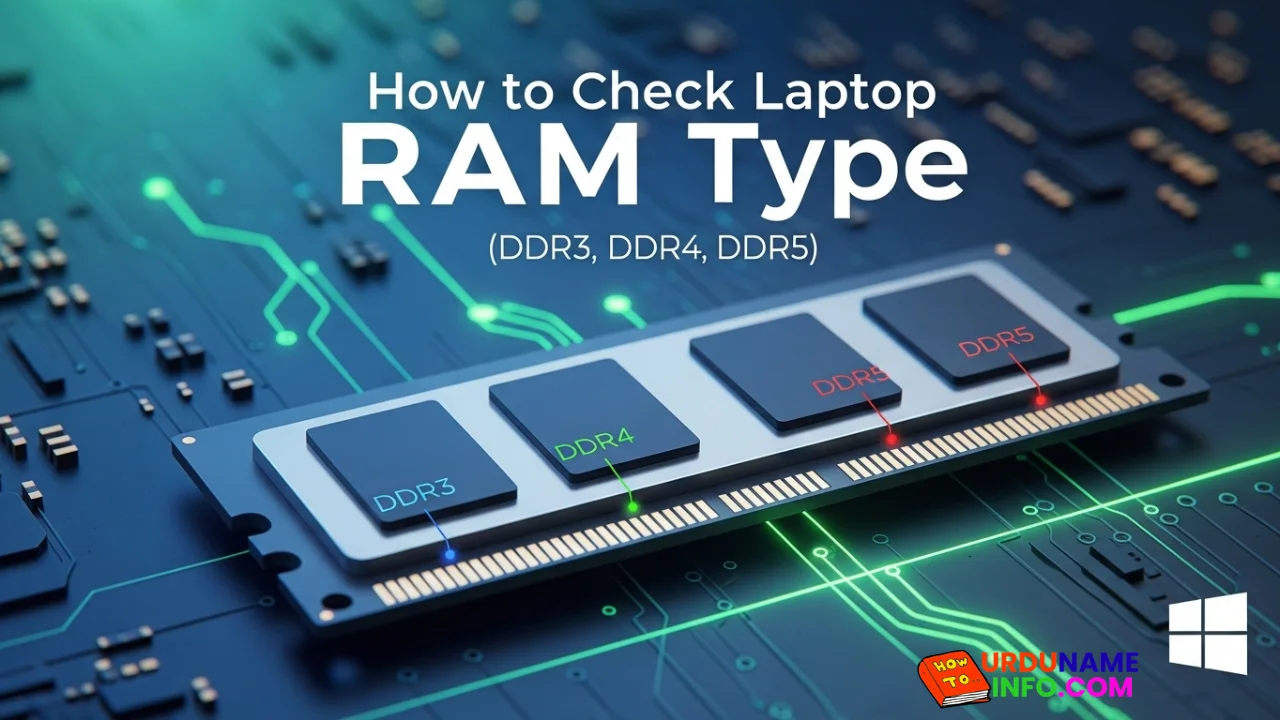
How to Check Laptop RAM Type in Windows (DDR3, DDR4, DDR5)
If you are planning to upgrade your laptop’s memory, the first thing you need to know is your RAM type. Buying the wrong RAM (like DDR4 instead of…
-
How to Fix Laptop Screen Flickering in Windows
Laptop screen flickering is a common issue in Windows 10 and Windows 11. The screen may blink, flash, or refresh continuously, making it difficult to work. Display drivers,…
-
How to Check Internet Speed on Laptop Without App
If your internet feels slow while browsing, streaming, or downloading files, the first thing you should do is check your internet speed. Many people think they need to…
-
Common Laptop Mistakes That Reduce Performance
Many people think a slow laptop means old hardware or the need for a new device. In reality, laptops often slow down because of everyday mistakes that users…
-
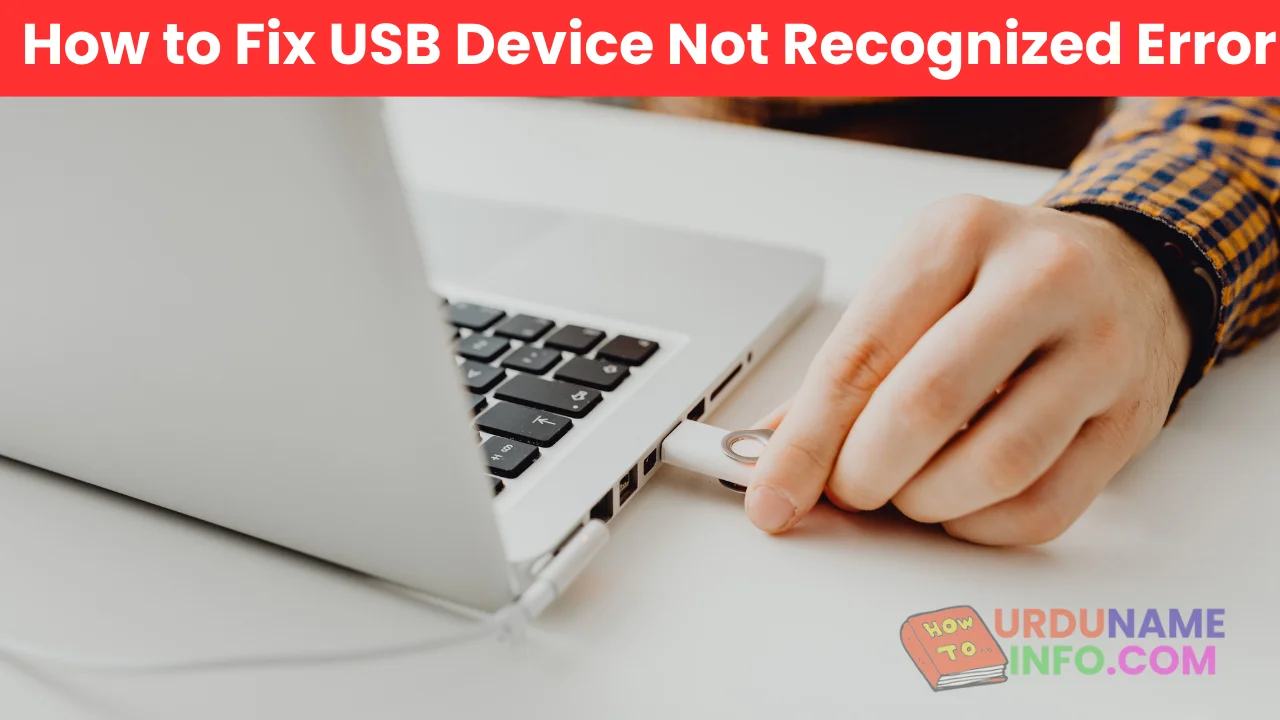
How to Fix USB Device Not Recognized Error
Seeing the message “USB Device Not Recognized” can be annoying, especially when you urgently need to access a flash drive, keyboard, mouse, or external hard disk. This error…
-
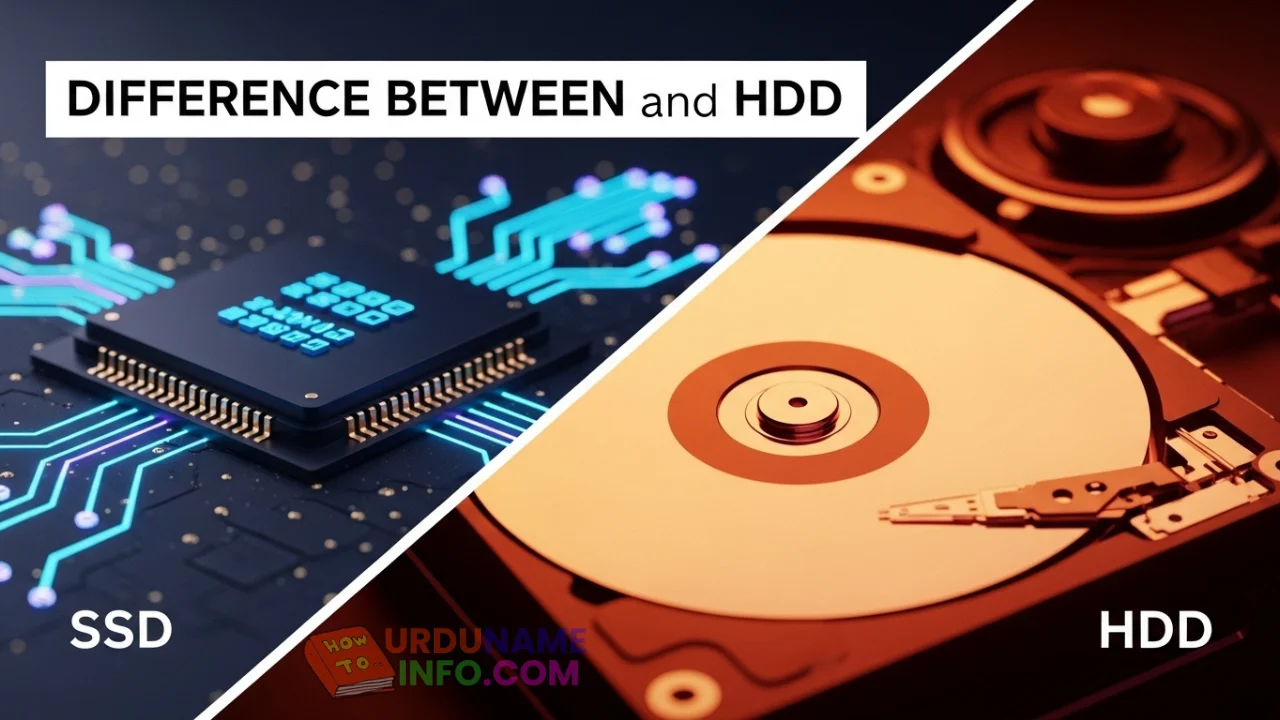
Difference Between SSD and HDD for Beginners
If you are new to computers, terms like SSD and HDD can sound confusing. Many people hear that SSD is “faster” and HDD is “cheaper,” but they don’t…
-
Why Laptop Is Slow After Windows Update
Many users notice that their laptop becomes slow right after installing a Windows update. Apps take longer to open, startup feels delayed, and overall performance drops. This situation…
-
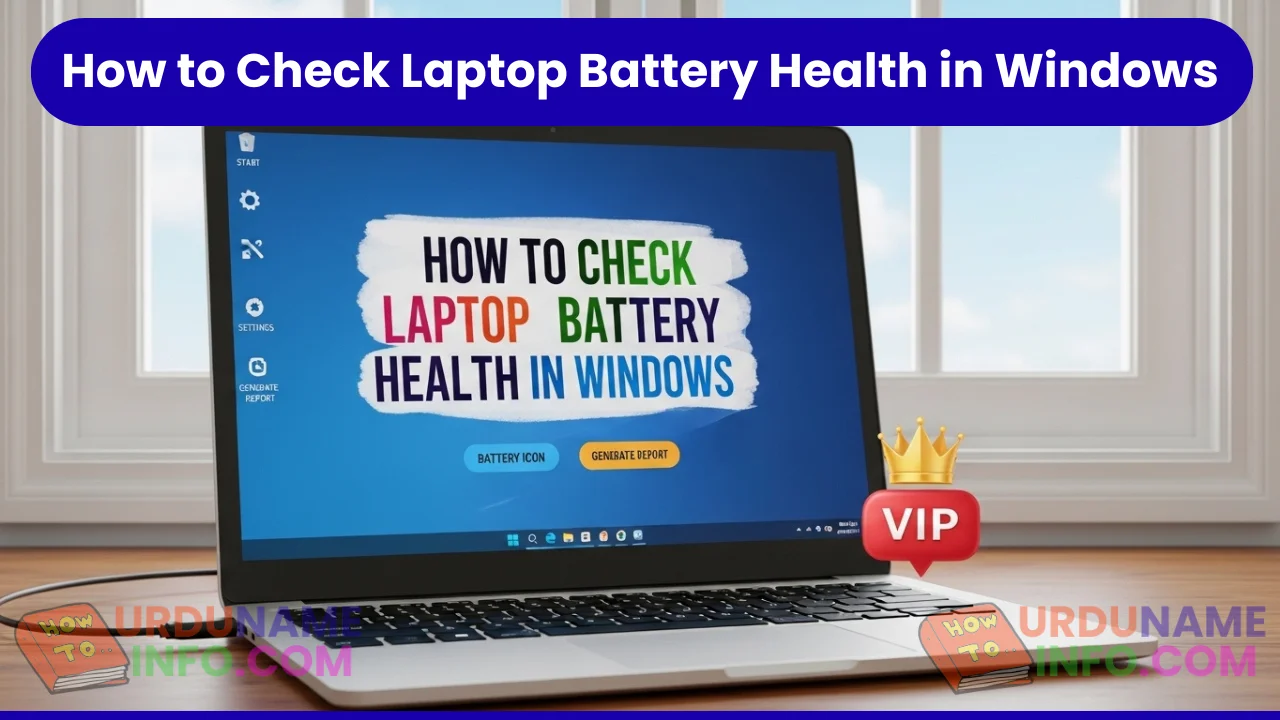
How to Check Laptop Battery Health in Windows (Windows 10 & 11)
Laptop battery performance slowly decreases over time. If your laptop doesn’t last as long as it used to or shuts down unexpectedly, checking battery health is the smartest…
-
How to Speed Up Old Laptop Without Upgrading Hardware
If your old laptop has become slow, takes too long to start, or struggles with simple tasks like browsing and opening files, it doesn’t mean the device is…
-
How to Turn Off Read Receipts on WhatsApp
WhatsApp read receipts are the small blue ticks that appear when someone reads your message. While this feature is useful, many users prefer more privacy and don’t want…
Olivia Masskey
Carter
is a writer covering health, tech, lifestyle, and economic trends. She loves crafting engaging stories that inform and inspire readers.